Everyone Needs a Password Manager

An unfortunate part of having more and more of our lives online is the vast number of logins required. It isn't fun having to create so many passwords to access everything, but it's needed.
And using the same password everywhere is a bad habit that will likely have consequences sooner or later. Even creating a "system" with 2 or 3 password variations is not enough.
That's why I recommend you don't wait to be hacked or caught in a database breach to protect yourself.
This article will show you password managers to help keep you safe without sacrificing convenience.
Summary (TL;DR)
I'm not a safety expert, and I suspect you aren't one as well. But we can still be safe online, and password managers go a long way in helping with that.
To put it simply, I recommend choosing a password manager by looking at which description below best fits your situation.
The "basic" password manager options are best suited for people who:
- don't currently use any password manager;
- want something straightforward with zero technical setup;
- want a free password manager.
If you identify with any of those points, Google Password Manager, Apple Passwords, and Microsoft Password Manager are probably the best options for you.
The "intermediate" password manager options are best suited for people who:
- want a great password manager with all the features;
- want to separate their password manager from the main email address;
- want the benefits of a password manager without the burden of maintenance (aka, self-hosting);
- may have a budget to pay for this solution;
If you match 2 of these points, you should use an intermediate option. My recommendations are 1Password, Bitwarden, or Proton Pass.
There are other options, but these 3 are the only ones I'm comfortable recommending to a friend. And no matter what you do: don't ever use LastPass!
LastPass has been breached at least 5 times, which isn't an impressive security record.
The "advanced" password manager options are best suited for people who:
- demand the highest safety and are against using a cloud provider;
- are technically comfortable setting up and doing the maintenance;
- are averse to paying a subscription;
For these users, my recommendation would be KeePass (probably using the KeePassXC client) or Vaultwarden.
Although an "advanced" user would never read an article like mine or need advice from me, as they know more than I do.
A reminder of why you need a password manager
Without being boring or giving you a gazillion reasons to use a password manager, I will focus on the 2 biggest reasons to use a password manager.
First, stealing information is a lucrative business and is the biggest threat to everyone online.
In 2025, CyberNews found a breach containing 16 billion records, by far the biggest breach known to date. And yes, you read that right: it's billion with a 'b'.
A set this big is likely a combination of several data breaches from different points in time. It even includes credential information from the biggest companies in the world, like Google, Apple, Facebook, GitHub, Telegram, etc.
These breaches are the number 1 reason to avoid using the same password everywhere. Because if you do, bad actors just need to hack 1 database to get your password.
And when you remember that your email is also the same everywhere, things don't look good.
A good rule of thumb is to consider that every service will likely get hacked sooner or later. Yes, even a password manager can be targeted and subject to losing your data. But the alternative to not using one is 100 times worse.
Turning on 2-factor authentication is also something you should do on every account that allows it.
The second critical reason to use a password manager is phishing protection.
See if you can spot the difference between any of the following domains:
- paypal.com AND paypaI.com;
- netflix.com AND netfIix.com
- amazon.com AND amaz0n.com
Only the last one has an obvious mistake.
In the Amazon example, I used a zero instead of the letter 'o'. But in the other cases, I used an uppercase 'i' instead of the expected lowercase 'l'.
This is what a phishing attack looks like.
To the human eye, the lowercase 'L' and the capital 'I' look the same. But not to a password manager.
Hackers will use a domain like 'PAYPAI.com' (with a capital i) instead of the real domain 'PAYPAL.COM' to trick you.
A password manager helps because it will refuse to fill in your login information on the impersonated website. So, this is another layer of trust and protection.
Basic password manager options
The password manager options in this section are good enough for 90% of the people because they are easy and free.
These will be the most useful if you previously:
- used the same password everywhere;
- wrote passwords on a piece of paper or a random file on your phone/computer.
I usually call these 'ecosystem' password managers, as they rely on your main account from a big company. Google Password Manager, Apple Passwords, and Microsoft Password Manager are the most popular options.
You've probably stumbled upon a login page with the 'Sign in with' button from these password managers already.
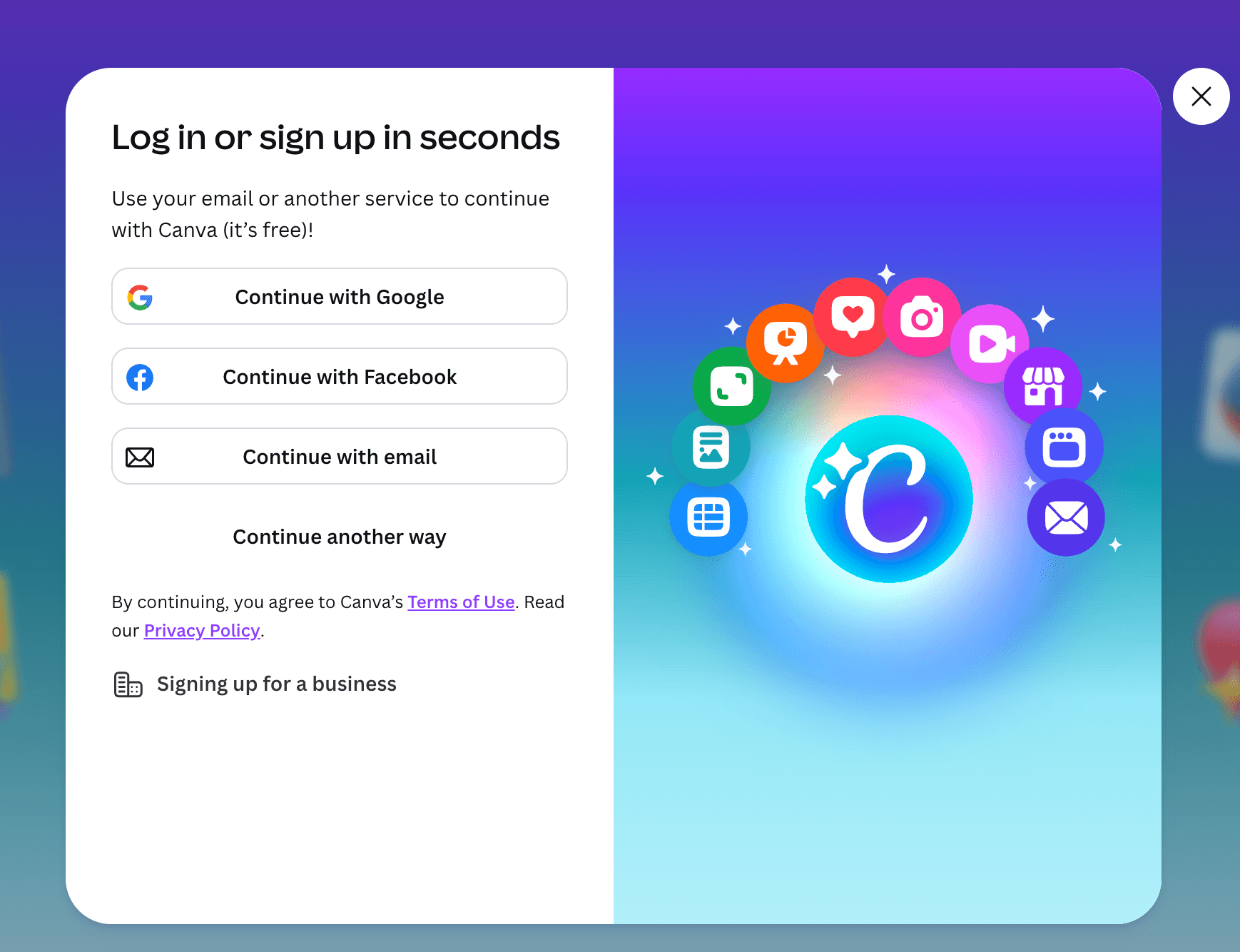
One of the advantages of these tools is that when you use the 'Sign in with', you don't even have to set a password.
I also urge you to activate 2-Factor authentication on every service that allows it to improve your safety by a considerable margin.
Basically, if you pick any of those password managers, you will be 100 times safer than if you keep reusing passwords.
Intermediate password manager options
For people who want more control and don't want a password manager tied to their main email account, I recommend an "intermediate" option.
Using a password manager tied to your Google or Apple account is the more convenient option. But that comes with the downside that if your account gets hacked or banned, you lose access to everything.
This means your digital life has a single point of failure.
Of course, your Google/Apple account won't get hacked or banned without a reason. But issues can happen, especially with these companies using automated systems with clear flaws!
Paris Buttfield-Addison, a known developer, had his Apple account banned after trying to redeem a gift card. It took him 5 days to get the account back, and we can speculate that if he weren't popular, his case might have never been solved.
That's why I think a better option is using a dedicated password app like 1Password, Bitwarden, or Proton Pass.
These password managers have the convenience of syncing your information between devices, while still being super easy to use.
1Password
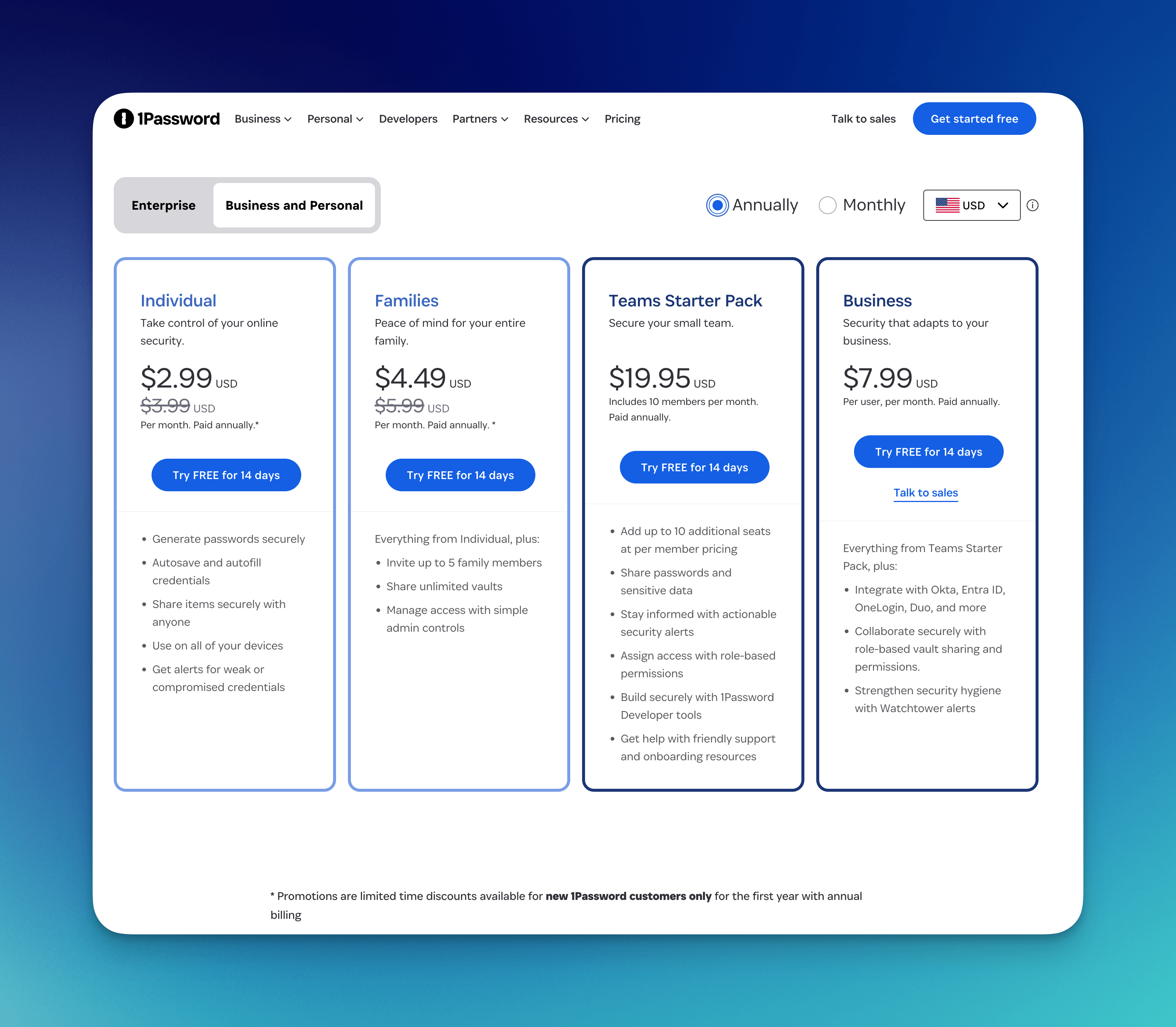
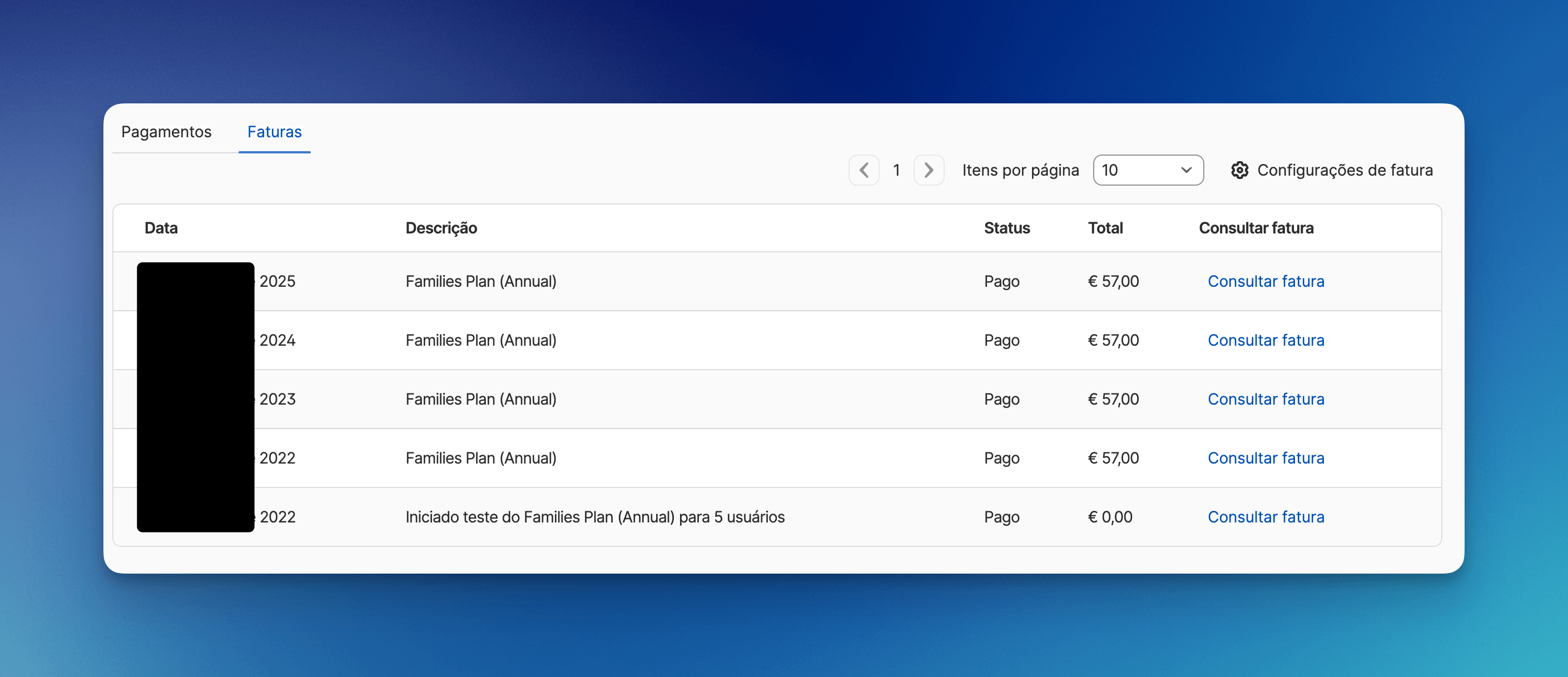
1Password is one of the most popular password managers in the world. I have been using it since 2022 and love it.
I decided to use 1Password mainly for 3 reasons:
- their model uses a secret key as an added safety layer. I'm not a security expert, but this is the model I like the most.
- the interface and user experience are superior to anything else I've tried.
- the terms of service are acceptable.
1Password individual plan price starts at $3.99/month, and the family plan at $5.99.
A popular downside of 1Password is its closed-source nature, which is a dealbreaker for many people.
Bitwarden
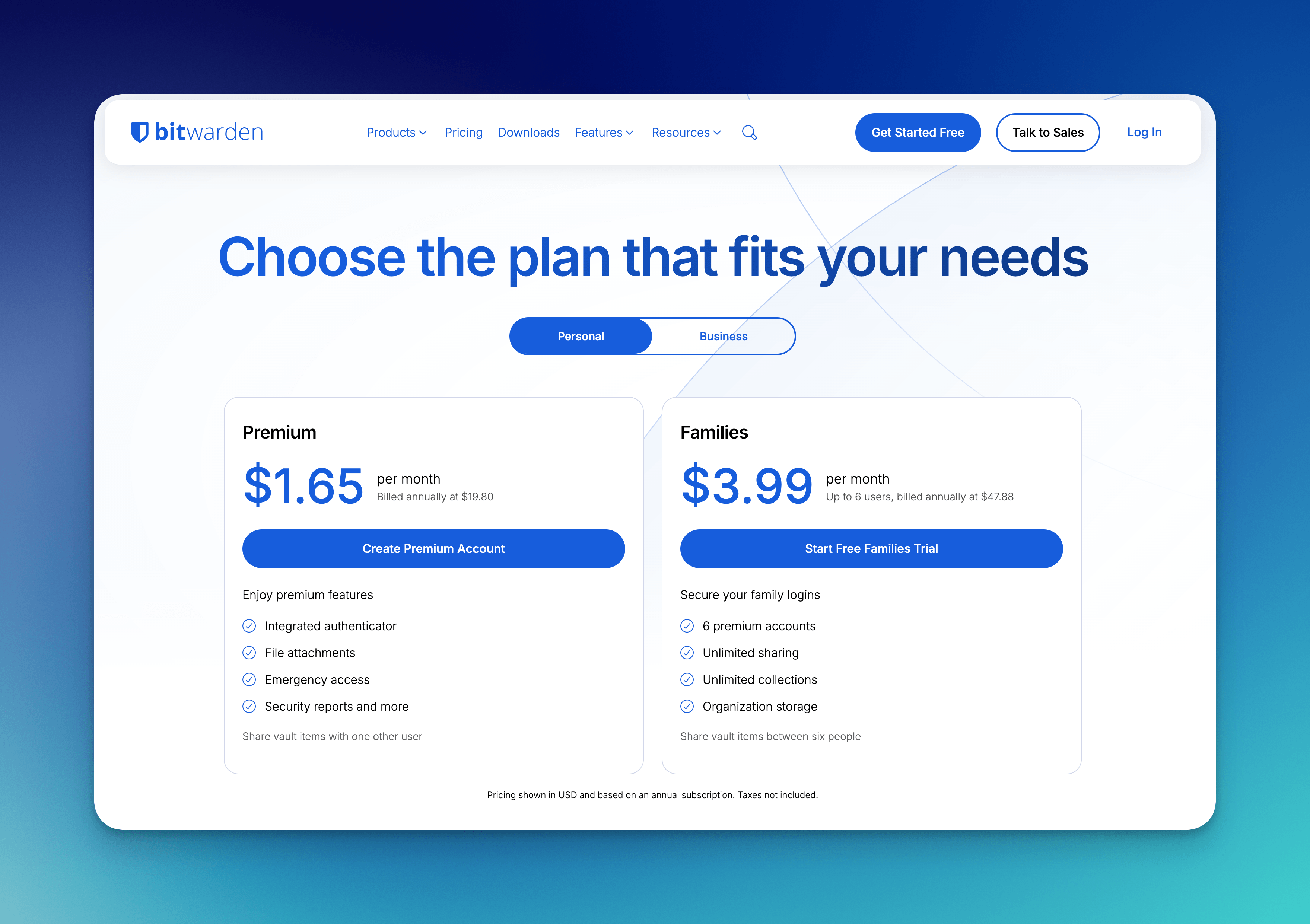
Bitwarden is a password manager that many people love. The tool is open-source, which means the code can be audited to prove it's safe.
Being open-source is considered a massive bonus for a sensitive piece of software like a password manager, where trust is everything.
Personally, I use Bitwarden as my "backup" password manager. I do this to enforce an even bigger separation of concerns, so not everything is on 1Pass.
Bitwarden has a free plan with access to most features. The paid plans start at $1.65/month for the individual plan and $3.99 for the family plan. These are affordable prices for such a good tool.
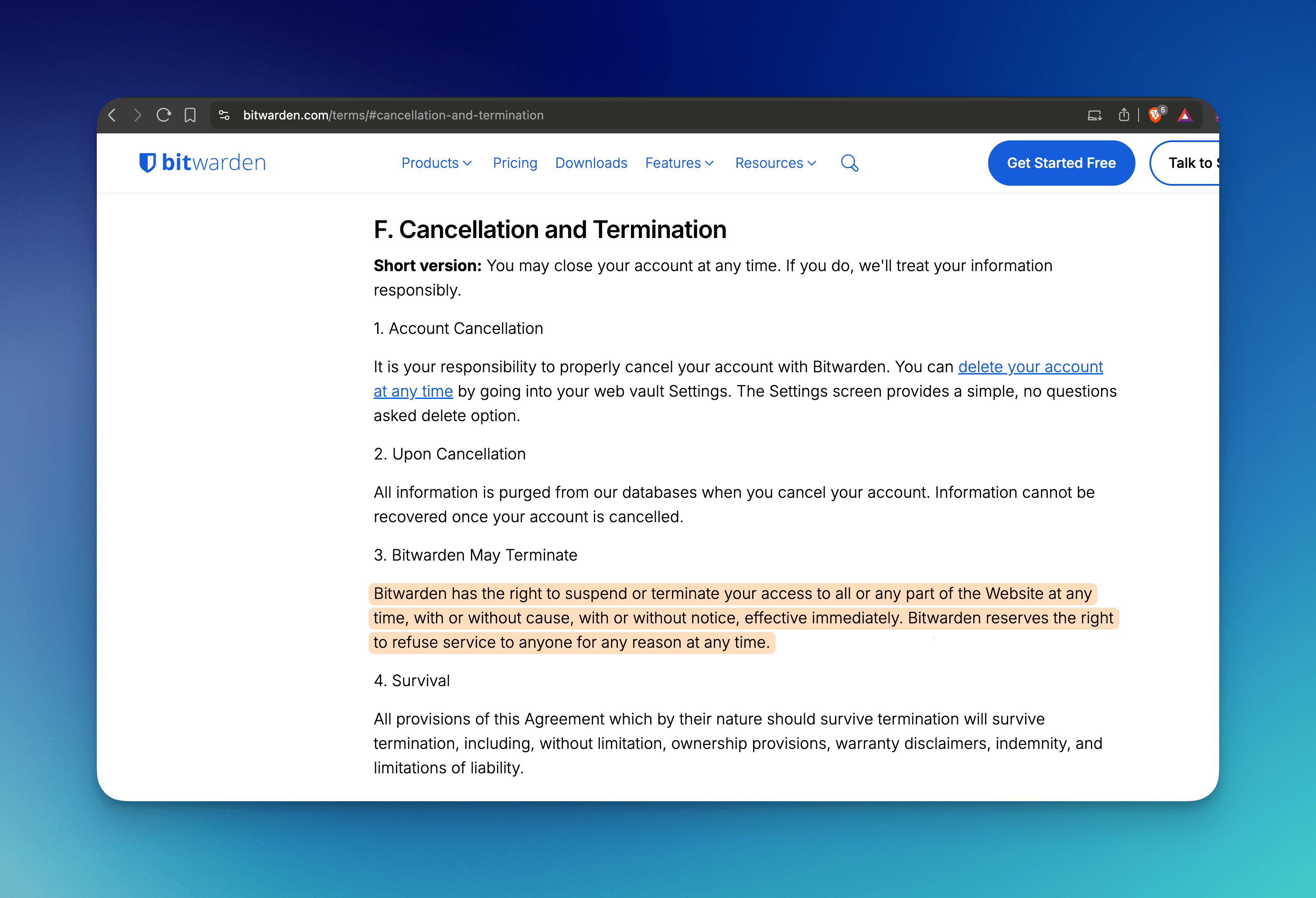
One massive downside of Bitwarden lies in the terms of service. Saying that they can terminate your account for any reason and without warning is crazy!
"Bitwarden has the right to suspend or terminate your access to all or any part of the Website at any time, with or without cause, with or without notice, effective immediately. Bitwarden reserves the right to refuse service to anyone for any reason at any time."
I know this corporate jargon, but I can't fully trust Bitwarden as my main password manager because of this.
Proton Pass
Proton Pass was released in 2023 and is another great open-source password manager.
Proton is a privacy-focused alternative to Google, based in Switzerland.
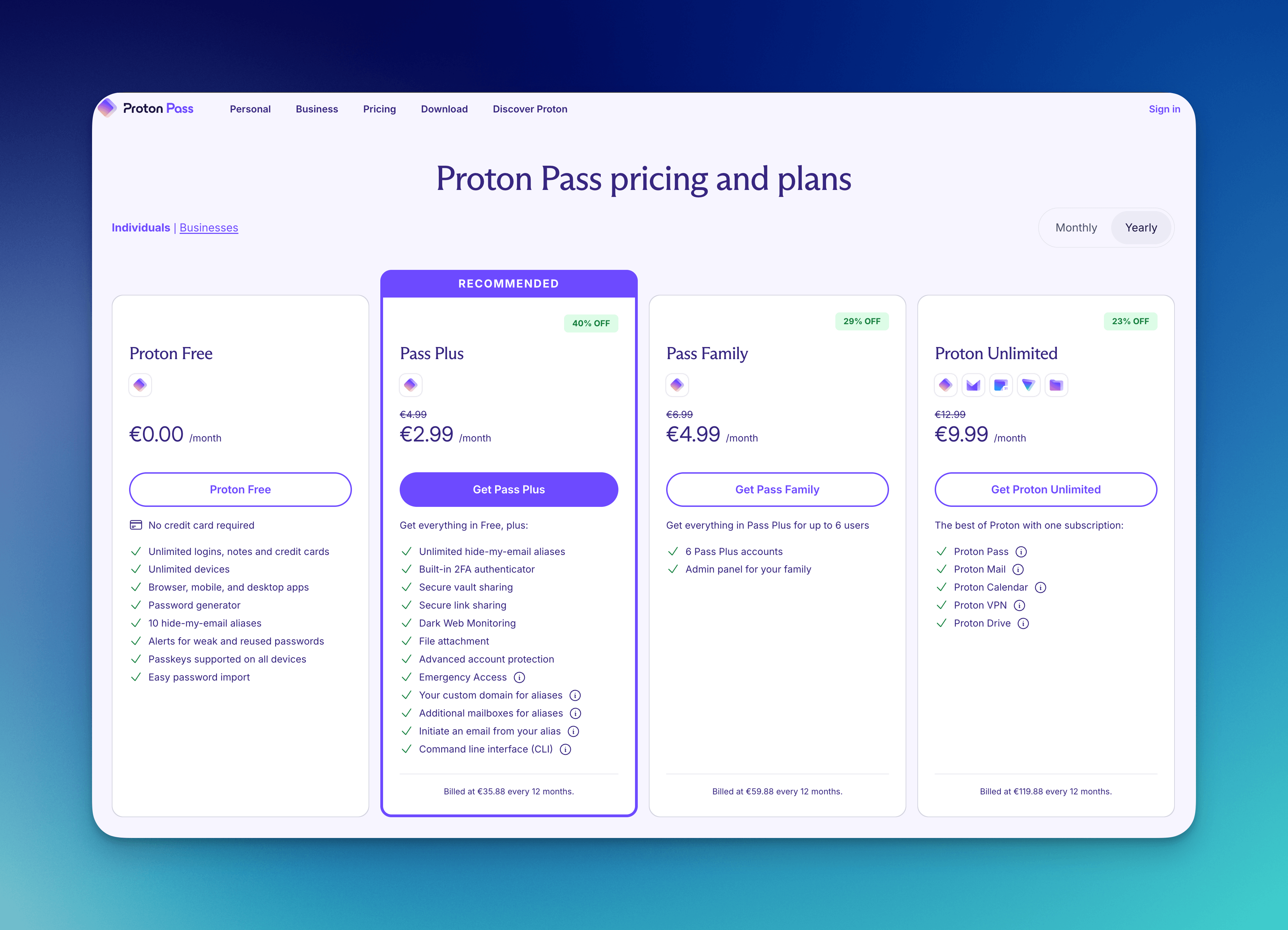
Simply put, Proton Pass has all the features you expect from a great password manager, including:
- item sharing;
- file attachment;
- emergency access;
- or even more advanced features like a command-line interface (CLI).
Proton Pass has a free plan, and the paid plan starts at $2.99/month.
A bonus tip: you can get access to Proton Pass in 3 ways:
- via a Proton Pass subscription
- via Proton Unlimited - gives you access to all Proton services;
- via Simplelogin Premium plan - this is a bundle that includes a Pass Plus subscription via the email alias service that Proton acquired.
Safety disclaimers and counterarguments
I want to take a minute to tackle some valid counterarguments against using any of the providers mentioned in this section.
Counterargument 1: Will using any of the password managers create a honey pot that hackers can target to get access to all your data?
In theory, yes. But when the alternatives are reusing passwords or self-hosting your password manager, options like 1Pass and Bitwarden offer the best balance between safety and convenience.
This is like playing whack-a-mole.
If a hacker is determined enough, they will find a way. The proof is that social engineering is a more common way of getting hacked than by breaking encryption.
But if you are naturally skeptical or you need the gold-standard option for safety reasons based on your personal case, then what you need is one of the options from the Advanced section below.
Counterargument 2: Why not just stick with a simple and direct option like Google/Apple password manager?
You can use Google/Apple as your primary password manager. There is nothing wrong with that!
A lot of people do without any issues.
Most of the time, they even force you to enable 2-Factor authentication as an additional safety measure.
However, I defend that for something this important, it's way safer to separate my main email account from my password provider.
If something happens with my main account, that would mean losing access to everything. But keeping my main email separate gives me an additional line of defense.
With access to just my email account, I can reset most passwords and regain access to things.
So, for my "threat" model, these are accepted risks, and I have enough trust in the password managers recommended.
Advanced password manager options
The more advanced password manager options rely on you self-hosting your own database/file. The more common options I see mentioned are KeePass and Vaultwarden, which are obviously open-source.
But before I proceed, let me address the elephant in the room.
This is where I start to get out of my comfort zone, as I haven't used any of these options as my daily driver since 2022.
I'm not gonna pretend to be an expert in self-hosting these tools.
My experience consisted of putting my KeePass file on Google Drive and using it between my phone and laptop. And I don't know if this was a good idea or not.
What I know is that you are responsible for keeping your file safe and syncing between devices. There is no support to contact if something goes wrong, as support for these tools relies on a community for solving issues and developing the products.
Since KeePass is the most common option, it has several clients for different devices.
I used KeePassXC as the KeePass client on my laptop, and Keepass2Android on Android.
Surely, there are other good password managers for advanced users, but I don't know enough to talk about them with the necessary detail.
Closing thoughts
Using a password manager is a must.
I think this article made that clear even without boring you with a massive list of reasons, or trying to scare you into paying for a service.
Online safety is important and doesn't need to cost you a fortune.
1Password is my favorite tool, but Proton Pass, Bitwarden, Google and Apple have free options to keep you safe.
I don't think there is a best "overall" option because different people have different needs and opinions.
However, don't use LastPass. I think that's a bad option based on their historical track record.
And friends don't let friends use LastPass.